
@valkyrianlabs/payload-markdown gives Payload a clean, structured, Markdown-native authoring system built for serious docs, blogs, release notes, and technical content.




No bloated rich text editor.
No JSON-shaped content prison.
No MDX ceremony for common docs and marketing layouts.
Just portable Markdown that renders like a real system.
1pnpm add @valkyrianlabs/payload-markdownPayload Markdown lets you write fast, render clean, and stay in control. Content remains plain Markdown, while directives provide just enough structure for polished layouts, calls to action, tabs, cards, tables of contents, and technical documentation.
Portable by default
Your content stays readable in Git, reviewable in pull requests, and editable by humans or AI without becoming a CMS-specific blob.
Structured when needed
Use directives for cards, callouts, buttons, tabs, steps, sections, columns, and tables of contents without reaching for a page builder.
Rendered for production
Server-first rendering, Shiki-powered code blocks, stable hooks, heading anchors, and themeable output give your Markdown a real frontend surface.
Why Payload Markdown exists
Most CMS content workflows eventually force developers into one of two weak choices:
Heavy editor sprawl
Rich text editors often store content as fragile JSON, making it painful to review, migrate, diff, generate, or repair.
You get a nice editing surface, then inherit a content format that only the editor truly understands.
Bare Markdown fields
Plain Markdown fields are portable, but usually lack structure, layout, diagnostics, autocomplete, and polished rendering primitives.
You keep the format clean, but lose the system around it.
Payload Markdown takes the third path:
Markdown stays the source of truth
Content remains portable Markdown instead of editor-owned JSON.
Structure lives inside the content
Directives add layout and behavior without hiding the page inside database configuration.
Rendering is production-ready
Server-first output, themed directives, code highlighting, anchors, and stable selectors are built in.
Authoring stays fast
CodeMirror editing, autocomplete, snippets, labels, diagnostics, and readable nested blocks keep writing pleasant.
Layouts stay sane
Cards, sections, columns, tabs, steps, and buttons cover the common docs and marketing patterns.
AI can actually help
Agents can edit clean Markdown directly instead of reverse-engineering an opaque editor payload.
What you get
Payload Markdown gives Payload the authoring primitives developers expect from a modern technical content stack.
Drop-in Markdown fields
Add Markdown fields to Payload collections without inventing your own renderer/editor pipeline.
Markdown blocks
Use Markdown as a block inside Payload layouts when a full page needs structured content zones.
CodeMirror editor UX
Get syntax highlighting, directive-aware editing, snippets, tabstops, labels, and diagnostics.
Shiki code rendering
Render beautiful code blocks without duct-taping a separate highlighter into every page.
Structured directives
Use callouts, details, TOCs, steps, cards, buttons, tabs, sections, columns, and cells.
Themeable output
Centralize styling through themes instead of scattering Tailwind roulette across content.
Heading anchors and TOCs
Generate deterministic heading IDs and page-local navigation for long-form docs.
Local icon packs
Reference local SVG icons with clean @pack/name syntax inside buttons, cards, and directive layouts.
Scoped configuration
Configure behavior globally or override it per collection when different surfaces need different rules.
Built for technical content that has to age well
Use Payload Markdown for product docs, API walkthroughs, install guides, integration references, troubleshooting pages, and release documentation.
It gives technical writers and AI agents a clean source format while giving the site a polished rendering system.
Write technical posts, changelogs, launch notes, architecture essays, and engineering updates without leaving Markdown behind.
The content stays portable, but the page can still contain cards, buttons, callouts, tabs, and code-heavy sections.
Build landing-page sections, feature grids, CTA blocks, comparison sections, and product explainer pages without turning every component into a separate CMS ceremony.
Use Markdown for the story and directives for the structure.
The authoring experience
The editor is built around a simple idea:
Authors should be able to move quickly, see structure clearly, and recover from mistakes without learning a proprietary content format.
1 Write readable Markdown
Use normal Markdown for headings, paragraphs, lists, links, images, and code.
2 Add structure with directives
Use plain-text directives when the content needs layout, cards, tabs, buttons, callouts, or navigation.
3 Let the editor help
Autocomplete, snippets, labels, highlighting, and diagnostics make complex content easier to scan and maintain.
4 Render server-first
Output is rendered cleanly on the server, with stable classes and data attributes available for styling and testing.
Directive-first without becoming a page builder
Payload Markdown directives are still Markdown. They stay visible, reviewable, and easy to edit.
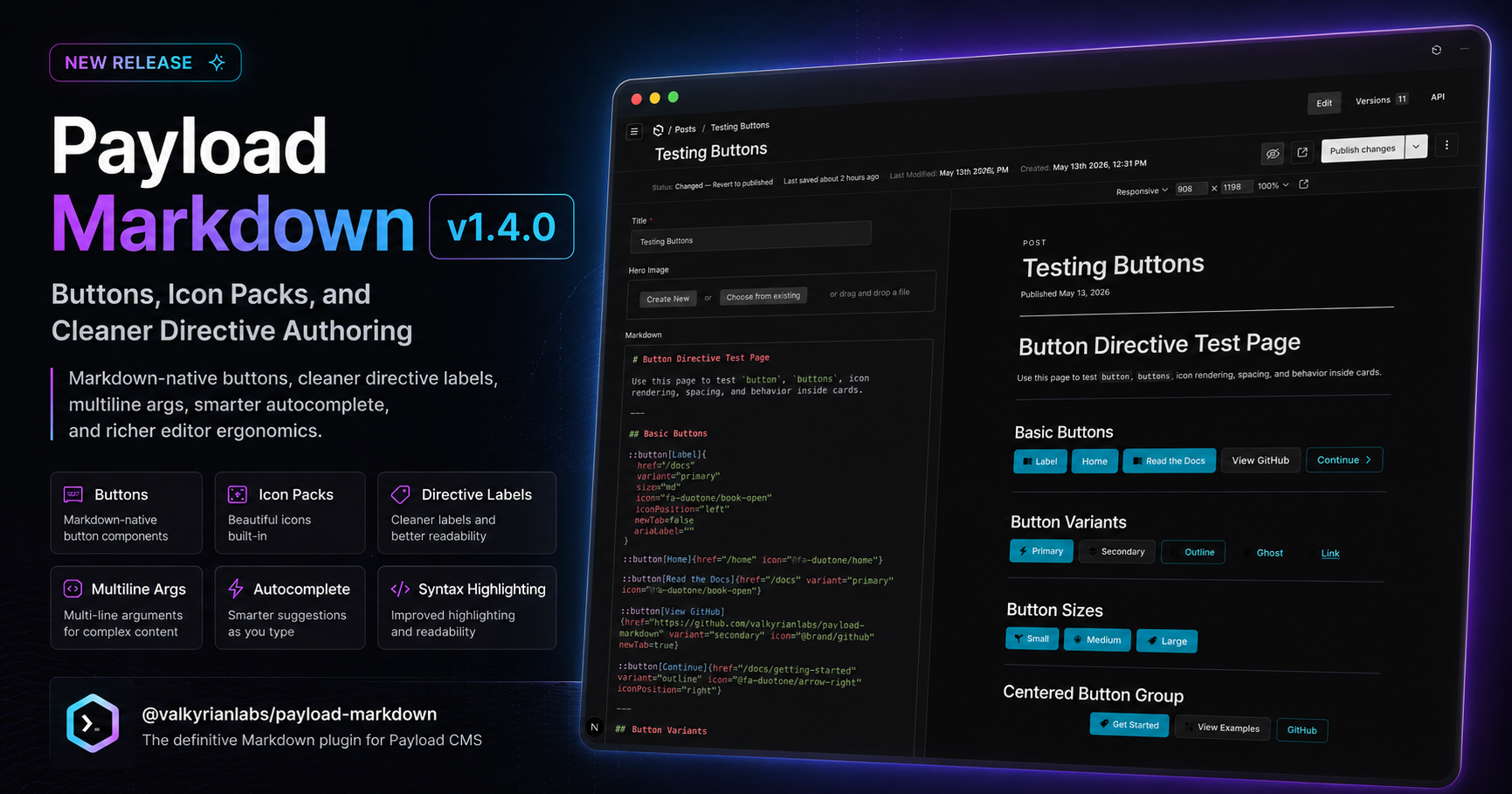
1:::card[Fast Setup]{}2 href="/getting-started/installation"3 linkScope="title"4 icon="@fa-duotone/bolt"5}6Install, configure, ship.7 8:::buttons{}9 align="center"10 stack="mobile"11 gap="md"12}13::button[Read Docs]{14 href="/docs"15 variant="primary"16 icon="@fa-duotone/book-open"17}18 19::button[GitHub]{20 href="https://github.com/valkyrianlabs/payload-markdown"21 variant="secondary"22 icon="@brand/github"23 newTab=true24}25:::26 27:::The visible title lives in [Fast Setup].
Attributes stay in braces.
Multiline args keep non-trivial directives readable.
The rendered output looks like a component, but the source stays plain Markdown.
Clean content. Strong rendering. No lock-in.
For developers
Payload Markdown gives you a predictable rendering pipeline, portable source content, scoped configuration, stable hooks, and a content format that can survive framework churn.
No magic editor state.
No mystery JSON migrations.
No component soup for every paragraph.
For authors
Writers get a fast Markdown editor with enough structure to create real pages.
They can add callouts, cards, buttons, steps, details, tabs, and TOCs without asking engineering to build a custom block for every layout need.
Philosophy
Markdown is the source of truth
Content should remain readable, portable, and reviewable outside the CMS.
Structure belongs in the content
Layout primitives should be explicit, textual, and easy to reason about.
Rich layouts should not require a page builder
Common docs and marketing patterns should be available directly inside Markdown.
Defaults should look good
A renderer should produce polished output without forcing every project into custom styling work.
Themes should centralize visual control
Authors should choose named themes, not hand-roll Tailwind classes in content.
AI and humans should share the same format
The same Markdown should be easy for humans to edit and easy for agents to maintain.
Install
1pnpm add @valkyrianlabs/payload-markdownThen add Markdown fields, render content through the plugin renderer, and start authoring structured Markdown without giving up plain-text control.
Payload Markdown is for teams that want Markdown to remain Markdown, while still shipping pages that feel designed, structured, and production-ready.